

 0:28
Free
€0
- 5-minute trial without an account, with every tool
- With a free account (email, Google or Twitch): 5 minutes of trial per day and 1 free export
- 1080p export, with a small discreet ImClip watermark
- No bank card asked
Your camera, your game, your words. Turn a moment from your stream into a vertical clip with captions that follow your rhythm.
5 min, no account · 1 free export
Editing and export happen on your device: your video is never sent anywhere unless you ask.
Demo: a 16:9 live moment is cropped to vertical, subtitled, topped with a sticker, exported and ready to post.
Animated demo: example chat messages and counters.
Tap the demo to skip the intro.
A clutch, a punchline, a victory. Find its rhythm with customizable styles, from calm to expressive.
Captions drawn with the same renderer used in your clip.
Create a clip with this styleThree steps, about three minutes.
Your video from your device, or paste a Twitch clip link.
Place your game and your cam with your finger, add subtitles and a sticker.
Export in 1080p and post to TikTok, Reels and Shorts.
Your cam, your game, your subtitles, in vertical.

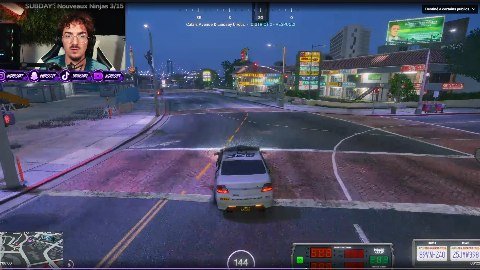
A 16:9 live: the game full screen, the cam at the top left.

Free export, with a discreet watermark. No watermark with the subscription.
5 min, every tool. 1 free export.
Made for streamers, easy to use with your finger on a phone.
Cam on top and game below with a blurred background, full game or a cam bubble. One tap to switch.
Zoom up to 800%, a magnifier and pixel-level adjustment to frame your cam perfectly.
In English and French, free, on your device. 53 customisable styles and 50 fonts.
More than 160 stickers: username, socials, reactions, arrows.
Paste the link of any public Twitch clip. No need to connect your channel.
Paste several links or add several files, join them and export a single video. Kick and YouTube: download the file first.
Up to 1080p at 60 frames per second, ready for TikTok, Reels and Shorts.
5 min, every tool. 1 free export. No credit card.
The editing features, the overlays and the free tools in a 30-second video. The video is in French.
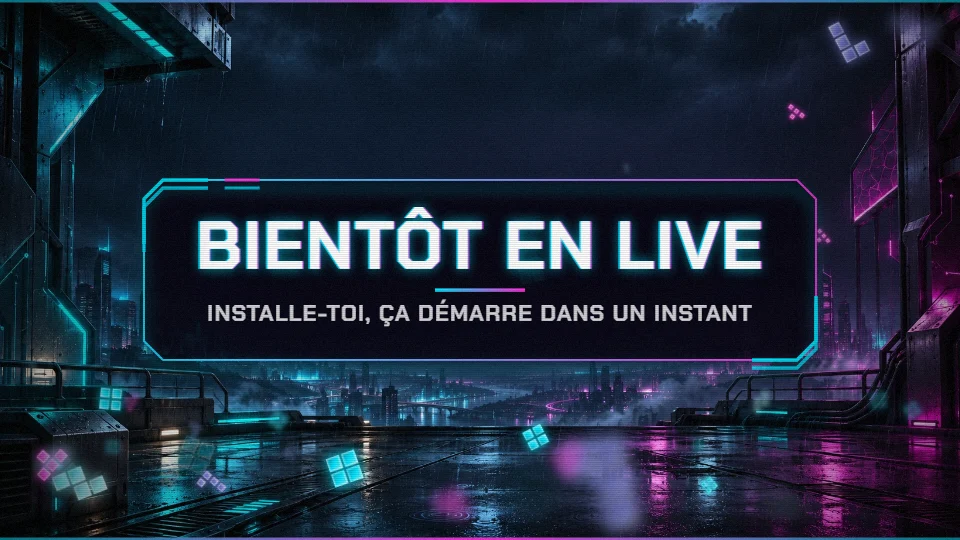
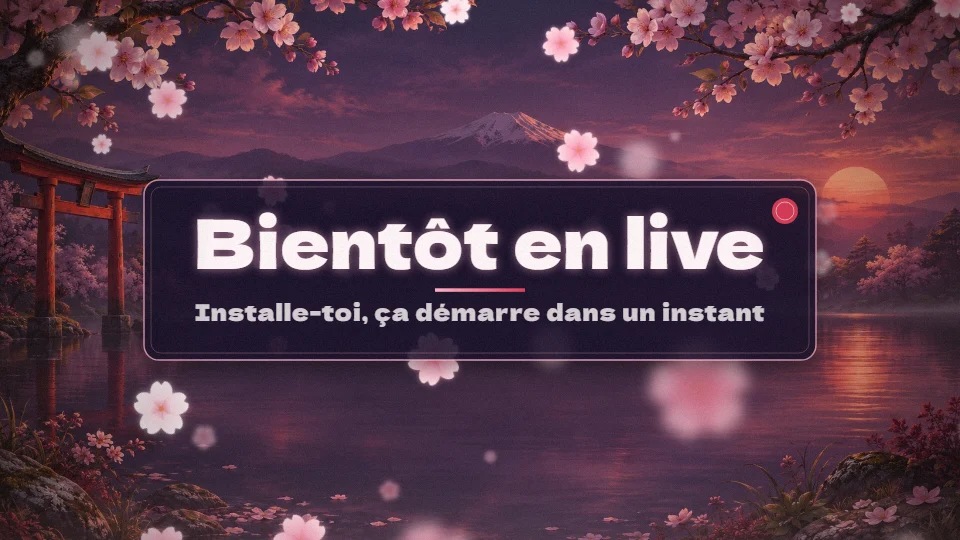
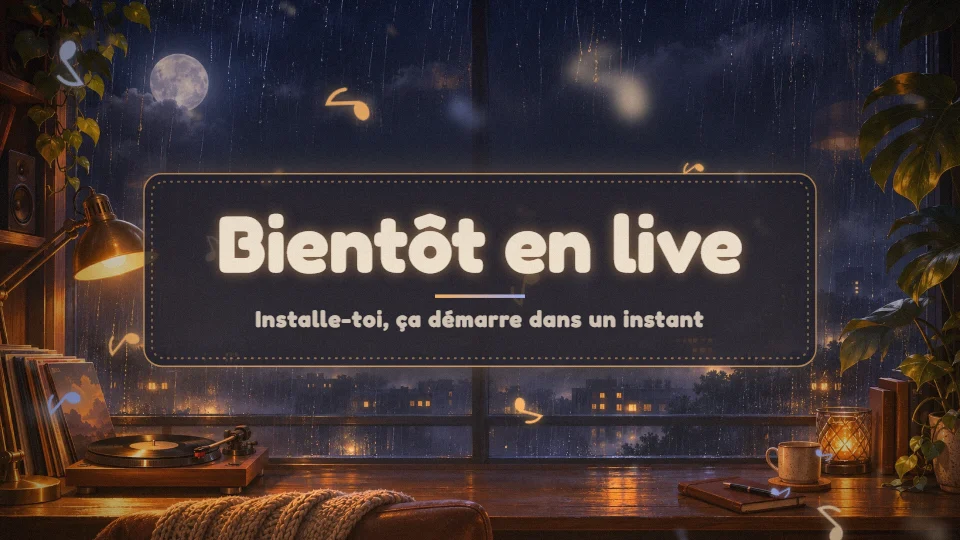
Starting soon with a countdown, be right back, outro and offline. Three free styles to customize, and six detailed themes for subscribers: All-in gamer, Dreamy Japan, Retro, Cozy lofi night, Space and Western desert. An OBS link or a looping video, made on your device.
Panels for socials, your setup and your community, matching your overlays. Two free styles; every style and ZIP for subscribers.
Create my channel panels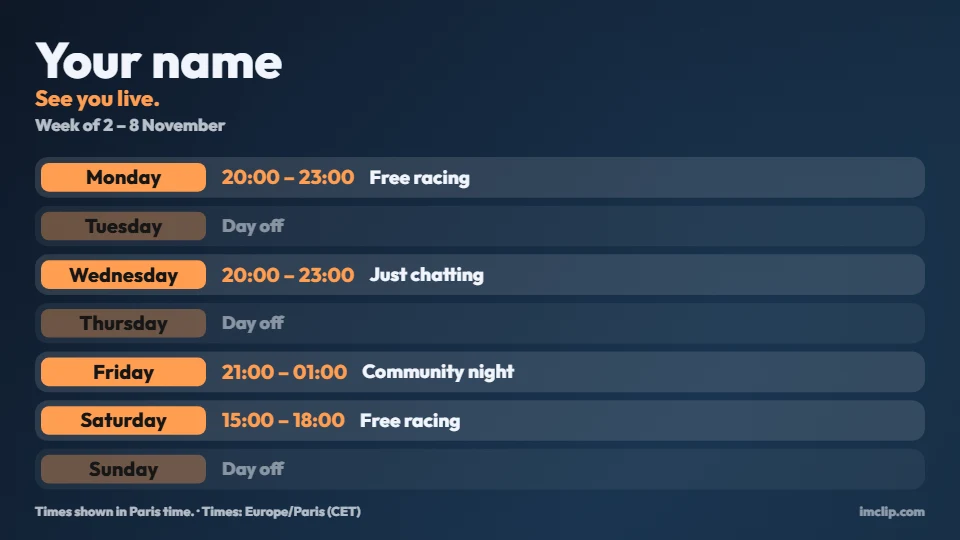
Add your days and times, pick colors and font, then download the image or copy the Discord text with each member’s local time. A calendar file is available too. Everything is made on your device, no account needed.
Try it without an account, then choose. Nothing is hidden.
€0
€5.49 / month
Also available: 54,90 €/an (that is €4.58/month, 2 months free)
A question before you subscribe? Write to us at contact@imclip.com or join the Discord.
See all pricing details · Refer friends: up to 12 free months a year
No commitment, in 1 click.
ImClip is built for small streamers.
No big budget or team: one tool, one price, doing the job of editing software.
A stream that lasted hours, a few clips to publish: edit from your phone or your PC, in a few minutes.
No editing skills needed: place your cam and game with your finger, the subtitles write themselves.
Clips ready to perform, without a big budget. Read the creator's story
Cam on top, game below, blurred background in 1 tap, zoom up to 800%, more than 160 stickers. An editing timeline: cut, zooms, effects, sound effects. You paste the link of a public Twitch clip, no need to connect your channel.
Included French and English captions, processed on your device. Choose from 53 customisable styles and correct a word with a tap.
With the subscription, your clip comes out without a watermark and with nothing added at the end.
Editing happens on your device. A video imported from your phone or PC is never sent. The only exception, at your request: "Send to your phone" (the clip goes straight from one device to the other when possible, nothing is kept, otherwise through a relay that keeps it 30 minutes at most) or "Email it to me" (24 hours). It is then deleted automatically.
I'm a streamer too. I was tired of seeing the prices of clip tools keep going up. Not everyone can afford to pay a lot for basic tools.
I made ImClip so streamers without a big budget have simple tools to get noticed while spending as little as possible. That's why the price is low.
The same idea, fewer steps.
No time promised: it depends on your clip and your device.
Share your referral code with your link, or give it to your friends directly. Your code is your username. 1 free month for each friend who subscribes, up to 12 free months a year. The month is confirmed at your friend's 2nd payment (or after 14 days if they take the yearly plan).
A guide for every case, from import to export.
Reviews come from people who have made at least one clip with ImClip. Comments are open to everyone: an idea, a question, a problem? Write it here.
Intro, break, outro, camera/game/chat frames, alerts, Twitch panels and matching banners. One grouped revision round included.
24,90 € one-time
Active ImClip subscriber? 24,90 € 19,41 € — €5.49 off, verified with your account. One discounted request per calendar month.
The free catalogue packs remain free to customize and export. Scope, availability and invoicing are confirmed before any payment.
Request my custom pack Try the free Miami packNo question matches. Try another word, or write to us on Discord.
I'm a streamer too, and the price is low on purpose. The full story is in the "Made by a streamer" section on the home page.
An online editor that turns any video into a vertical, subtitled one for TikTok, Reels and Shorts, in minutes. You import a file, or paste the link of a public Twitch clip. Everything happens on your phone or PC, with nothing to install. Your ImClip account (email, Google or Twitch) is all you need.
Yes. Tap “Try it free”: the editor opens without signing up, with every tool, for 5 minutes of use. The timer only runs while you use the editor and stops when the tab is hidden.
Your first export is free: create a free account (email, Google or Twitch) and export a clip in 1080p, with a small, discreet ImClip watermark. After that, exporting needs the subscription.
When the trial ends, your project stays visible but can no longer be edited. With a free account you get 5 minutes of trial again each day. Your project is kept on your device: you find it again after signing up.
Every free account gets one free export: 1080p, no length limit on ImClip's side (your device has to keep up). It requires an account (email, Google or Twitch) and carries a small, discreet ImClip watermark (the word “ImClip” across the whole video), which disappears with the subscription. It only counts once the export finishes: if it fails, you can try again. An account that has already been subscribed doesn't get a second one.
Yes, in the editor, Edit tab: you cut, you delete a section (the gap closes by itself), you move or copy sections, you change the speed (from 0.25× to 3×), you add a freeze frame, you add one of 19 transitions on a cut, a zoom by tapping the preview (6 presets), 33 effects (including film grain, light leak and VHS), 6 color looks and 103 sounds (a pack of 84 pro sounds, loaded on demand, and 19 ImClip sounds). Undo and redo work on all of these actions, and your edit is kept on your device. Everything happens on your device.
Yes. In “My account”, choose “Pay with PayPal”: you send €5.49 to the PayPal address shown (as “Goods and services”, with your ImClip account e-mail in the note), then tap “I paid”. After checking, your access is activated for 1 month, with no watermark. It does not renew by itself: we warn you 3 days before it ends. No automatic refund. If you already subscribe by card, you do not need to pay twice.
One subscription, monthly or yearly, that gives you everything, with unlimited exports. Prices are in the "One simple price" section and on the Pricing page. No commitment: cancel any time from "My account", in 1 click. Cancellation takes effect at the end of the period already paid: you keep your access until then, and nothing is charged afterwards.
From your device: tap “Import a video” (MP4, MOV, MKV, WebM…).
From Twitch: paste the link of a public clip, without connecting your channel.
Import by Twitch clip link, or from your file. For Kick or YouTube, download your video to your device, then import the file.
Tap “Try it free”, import your video, pick a layout, place your cam and your game with your finger, add subtitles and stickers, then export. A short guide walks you through it the first time. Allow about 3 minutes.
An AI writes what is said, word by word, in French or English (automatic detection). It runs on your device: nothing is uploaded, nothing is billed on top. The first launch downloads the model once (about 45 MB on a phone, 80 MB on a PC). Then you pick one of 53 styles and fix a word in one tap.
After transcription, ImClip spots words like “police”, “money”, “fire” or “gg” and draws a small animated emoji at the moment you say them. Everything runs on your device: nothing is sent. These are suggestions: check the result. Emojis work for French and English clips.
In the Subtitles tab, tap the emoji in the preview: you can pick another one (search in French), remove it, change its animation or size. You can also add an emoji on the word shown, or set the amount (Few, Normal, Many).
No. Transcription, emoji matching and subtitle drawing all run on your device. Only anonymous counts are sent: the duration of each step of a task and, if you tap “This emoji does not fit”, the dictionary word concerned and the emoji, never the content of your video.
Your referral code is your ImClip username. A friend types it in the “Referral code” field when they subscribe, or uses your link. When they make their 2nd payment (or 14 days later, without a refund, if they take the yearly plan), you earn 1 free month. 1 free month for each friend who subscribes, up to 12 free months a year.
Yes. When you assemble several clips, each transition has its own sound (whoosh, glitch, click, impact…), set so that the impact lands on the cut. You can turn the sounds off in the assembly (“Automatic sound design”), or adjust each transition in Trim: listen, volume, another sound. What you hear in the preview is what the export contains.
In “My account”, tap “Change username”. Your new username becomes your code for your next clips. You can change it once every 30 days. Your old code keeps working forever, and nobody else can take it.
You are responsible for what you publish.
Music: copyrighted music playing during your live (Spotify, radio, clips) can get the sound muted or your clip blocked on TikTok, YouTube or Instagram. The sounds in the ImClip editor are created by us and royalty-free.
Games: most publishers accept gameplay clips, but some set limits (cutscenes, unreleased games). If in doubt, check the game publisher's rules.
Other streamers' clips: ask for their permission before publishing them.
Editing, subtitles and export happen on your device. A video imported from your device is never sent. The only exception, at your request: "Send to your phone" (the clip goes straight from one device to the other when possible, nothing is kept, otherwise through a relay that keeps it 30 minutes at most) or "Email it to me" (24 hours). It is then deleted automatically. When you paste a Twitch clip link, our server fetches it and passes it on right away, without keeping it. Your email never appears in public: only your username is visible. No advertising cookie: only a technical "trial" cookie (a random code, unrelated to your identity) is used to count the 5 trial minutes.
Yes, on Safari and Chrome. During the export, keep the page open and in the foreground.
ImClip doesn't publish for you. After the export, save or share the file, then publish it yourself on TikTok, Reels or Shorts.
Go to “My account”, then “Manage my subscription” to update your card or your PayPal. If it still doesn't work, write to us on Discord.
Reviews come from people who made at least one clip with ImClip. They are published unedited, positive or negative. Only abusive content is hidden (insults, spam, off-topic, personal data), with a stated reason. One review per account, which its author can edit or delete. The free month asks for an honest review after 2 exports (positive or negative, published as written). Comments are open to every signed-in account.
Respect, no ads, no insults. Links are refused for recent accounts. You can report a message in one tap. An account that doesn't follow these rules can lose the ability to write, but keeps its subscription and its access to the editor.
On the ImClip Discord: join the Discord. It's the fastest way to ask a question, report a bug or share an idea.
By e-mail: contact@imclip.com.
Another question? Write to us on Discord.
Answers to common questions. Stuck? Come to the Discord, we'll help.
Join the DiscordImClip, made by @imdrissoff